
Download Sekondo.
Your key is in your email. Paste it here, download the installer for your computer, open it and paste the key again: the installer does the rest.
Don’t have a key yet?
Try it free for a month: you get the key by email and come back here to download it.
Mac.
macOS 13 or later with Claude (14 with ChatGPT)
Apple silicon and Intel · 93 MB
Windows.
Windows 10 or later
47 MB
Three steps and you're working.
Open what
you downloaded.
First, close Claude, ChatGPT and your Adobe apps.
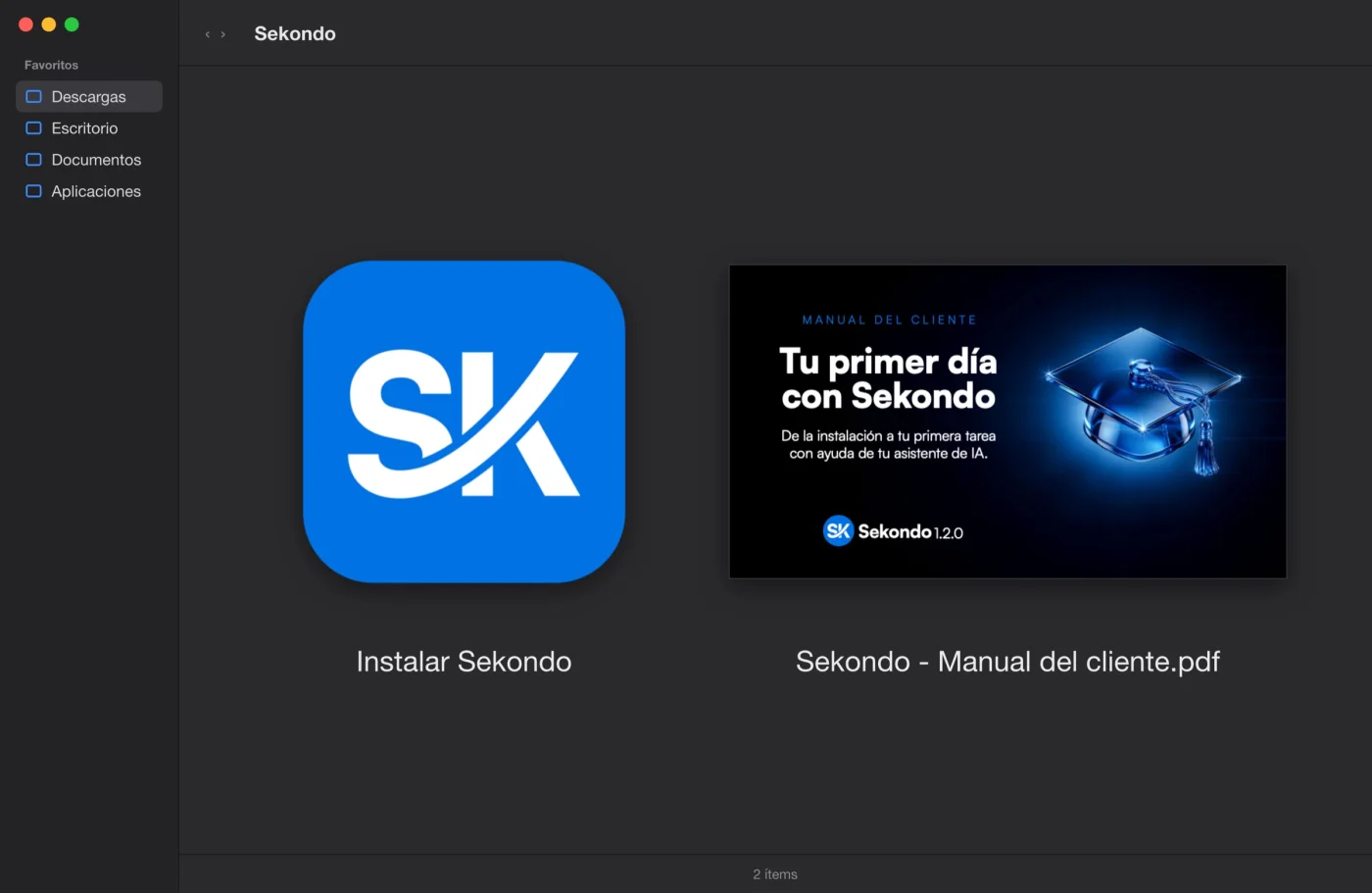
Open the ZIP, then «Instalar Sekondo». If your Mac asks, click «Open».
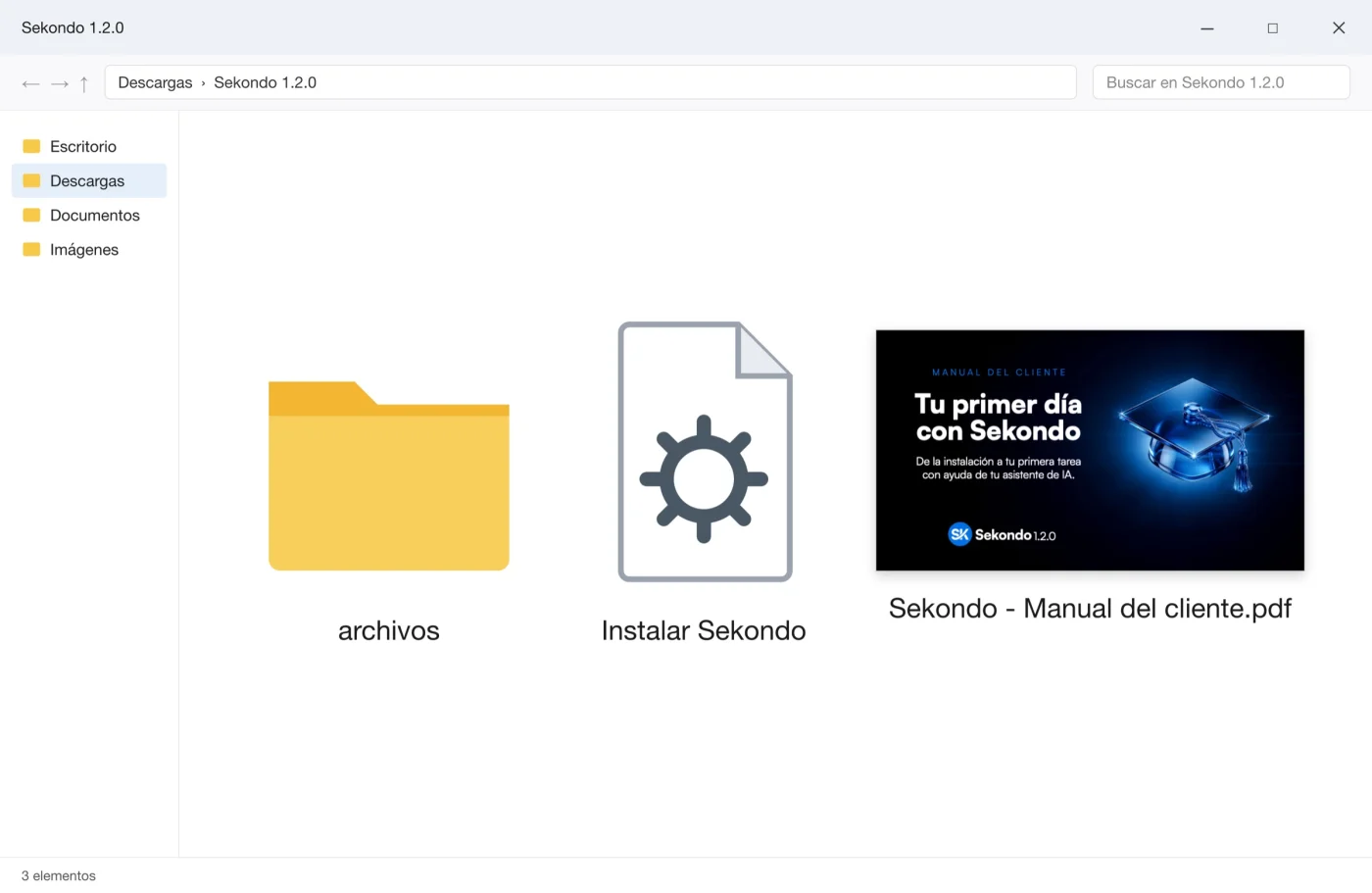
Right-click the ZIP and choose «Extract All». Open «Instalar Sekondo». If Windows warns you, click «More info» and then «Run anyway».
Paste your key
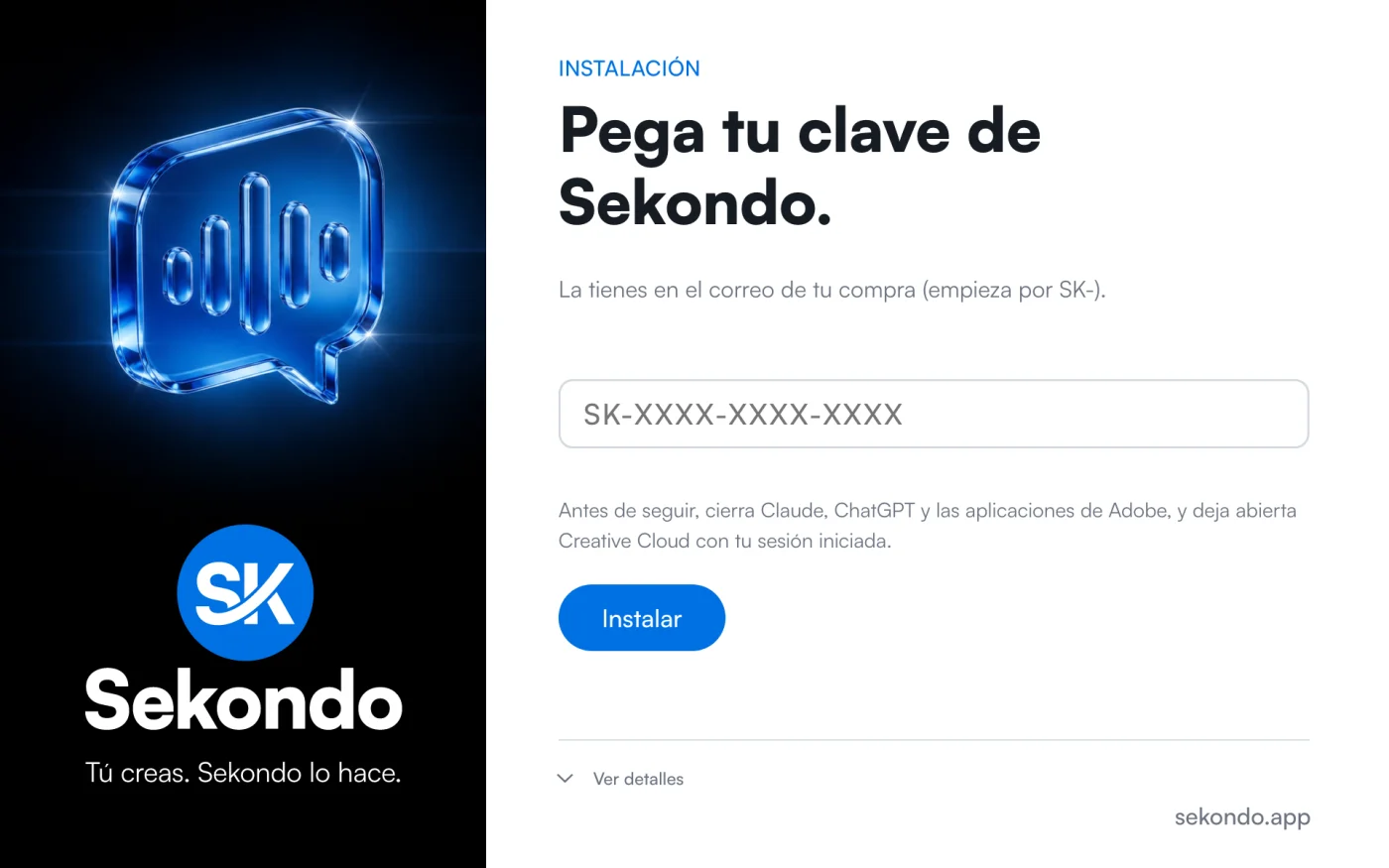
and click Install.
It's the one that arrived by email when you signed up or bought: it starts with SK-. Sekondo installs itself into your Adobe apps, Claude and ChatGPT.
Open your AI assistant and ask away.
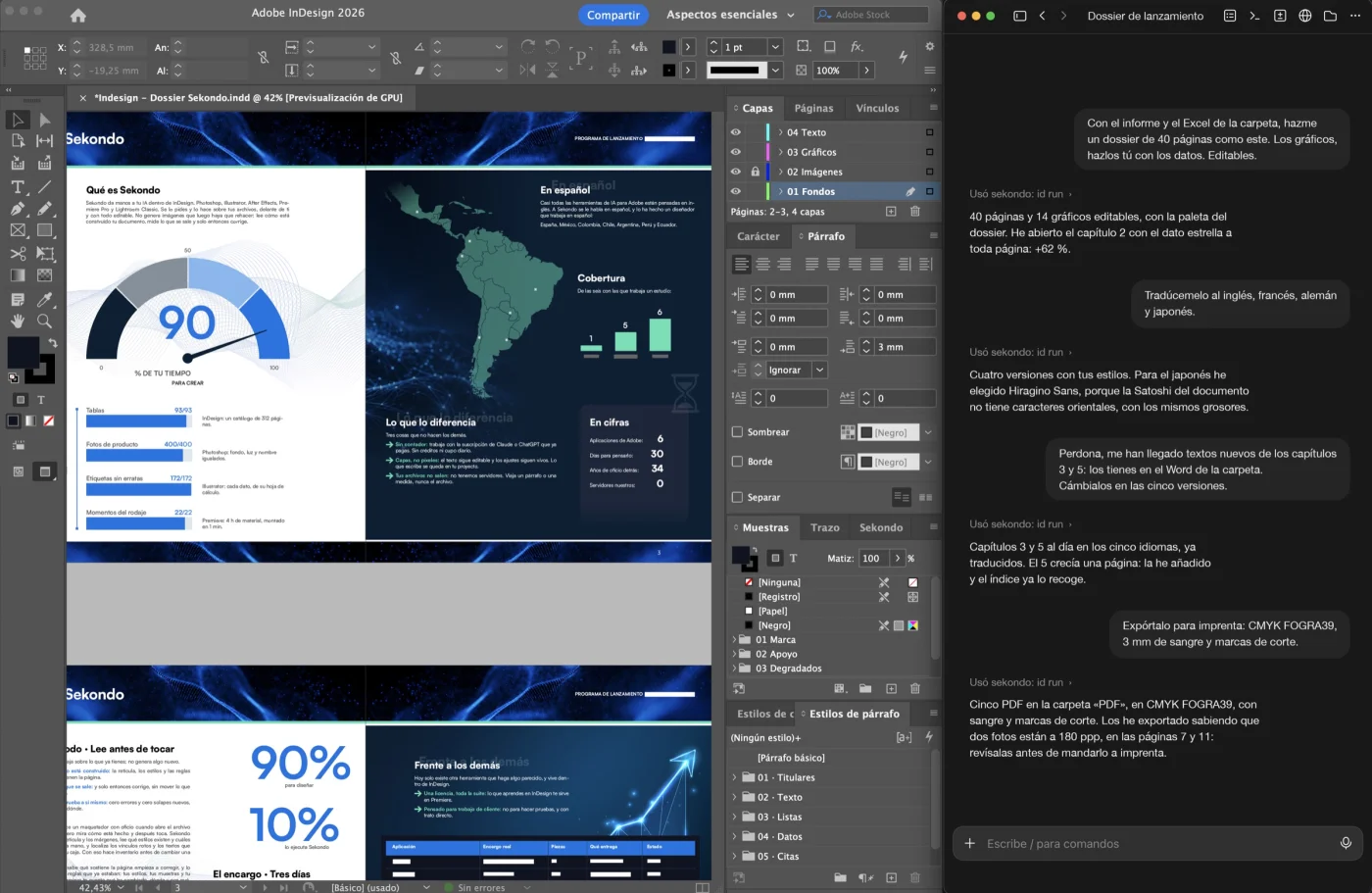
Open Claude or ChatGPT and your Adobe app. Ask for whatever you want, in your own words, especially the complex, laborious jobs that would take you days.
Something not working? Write to us at soporte@sekondo.app
Before you start.
| Operating system | macOS 13 or later with Claude (14 with ChatGPT) · Windows 10 or later |
| Adobe apps | 2024 releases or later (Premiere Pro: 25.6 or later) |
| AI assistant | Claude desktop or ChatGPT desktop, on your own subscription |
| Disk | About 175 MB |
macOS: it is in ~/Library/Logs (in Finder, Go menu, “Go to Folder…”).
Windows: it is in %LOCALAPPDATA%.