
 Photoshop
 Illustrator
 InDesign
 Premiere Pro
 After Effects
 Lightroom Classic
Sekondo · Adobe MCP
Claude, ChatGPT and Geminiworking in your Adobe apps
Sekondo connects your AI to your Adobe apps via MCP. Ask for what you need and your assistant works directly on your files, with editable results.






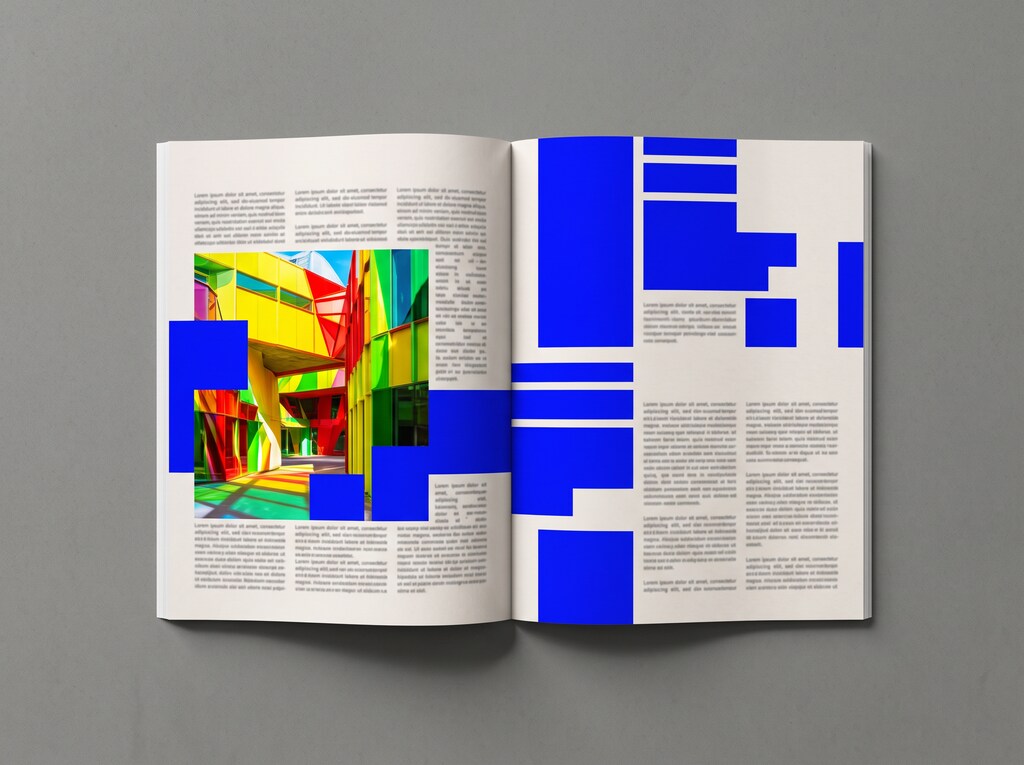









What Sekondo is.
An MCP bridge (Model Context Protocol) that installs into Photoshop, Illustrator, InDesign, Premiere Pro, After Effects and Lightroom Classic. It takes what your AI assistant tells it and does it inside your document, with its layers and its text, so you can keep editing it yourself.

Sekondo is on sale on this website and on Adobe Exchange, Adobe's official store. See it on Adobe Exchange →
Where the time goes
90 % of your time
should go to creating.
A ten-day job shouldn't disappear into mechanical tasks. With Sekondo you get more than a week to explore your best idea, and the repetitive work is done in a few hours.
The client's deadline stays the same; what changes is the quality of what you deliver.
Let the AI do the tedious part. The creative part stays yours.
See how it works, step by step, right before your eyes.
You describe it. Sekondo chains together the tools in your app, and you watch it come together in your document.




- Layer 7Shop windows
- Layer 1 copy
- Layer 12Street lamps
- Layer 3Parked cars
- Layer 4 copy 2
- Layer 9Sky
- Layer 2
- BackgroundStreet at night
1080 × 10801080 × 13501080 × 1920Generation with Firefly Image 3


It doesn't hand you back an image: it works in your document, layer by layer, and everything it does stays editable. And if something isn't right, undo it (Cmd + Z or Ctrl + Z) and it goes back to how it was.
You ask. Sekondo does it.
Inside the app, from your chat or out loud.
Sekondo now also lives inside your Adobe apps, which is where your tools are. And if you prefer your usual chat, it works just as it always did.
From your built-in panel
It's right inside your Adobe app, just another panel, and you type to it there.
From your usual chat
Your Claude, ChatGPT or Gemini desktop app.


Talk to Sekondo
Press the mic and explain it in your own words.
Three steps and you're working.
Download it.
Double-click and it installs itself into your Adobe apps. You don't need a key.
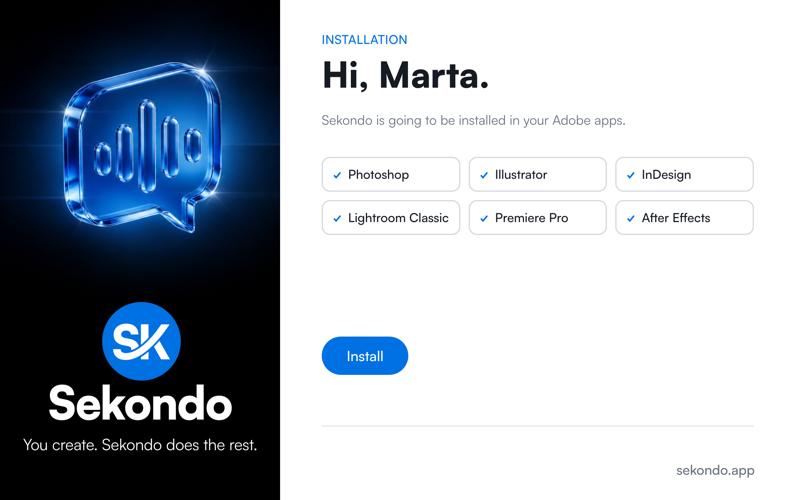
Install it.
When it finishes, the installer tells you where to find the panel in each of your apps.
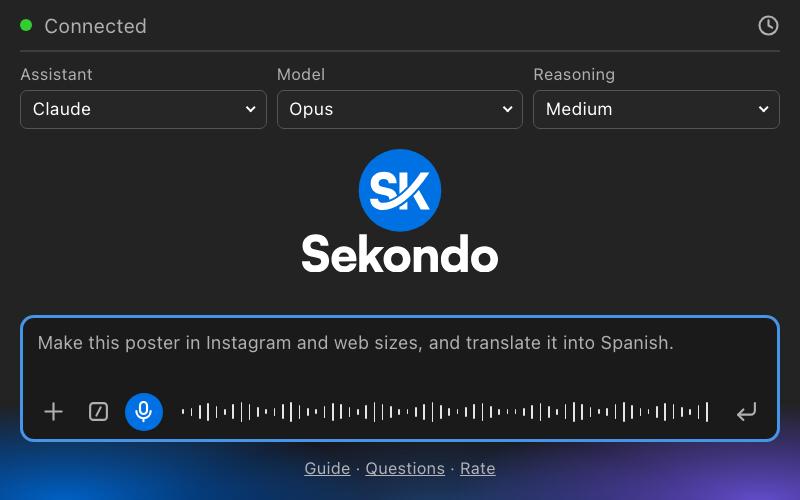
Ask for it.
Typed or by microphone, and you'll watch it happen in your document.
What people already using it say.
“Con Sekondo automatizo el trabajo más mecánico y de repetición, lo que me permite mucho ahorro de tiempo.”Ana · Graphic designer · Pamplona“Hago fotografía nocturna y los tiempos de revelado suelen ser eternos por la cantidad de ajustes finos y selecciones complejas que hay que aplicar a cada toma. Desde que integro Sekondo en Lightroom, he agilizado el flujo de trabajo exponencialmente sin perder un ápice de control sobre el resultado final. Además, la atención al cliente y el soporte técnico son de diez: siempre están ahí para resolver cualquier duda al instante. Un producto y un equipo excepcionales.”Pedro Monzó · Entrepreneur and photographer · Andorra“Trabajo como diseñadora gráfica en un estudio de diseño. Hemos implementado Sekondo en nuestro flujo de trabajo habitual y nos ha permitido acelerar procesos repetitivos con facilidad. Siempre reviso los resultados para asegurarme de que esté todo correcto, no obstante las correcciones suelen ser mínimas.”Marta · Graphic designer · Córdoba“Soy fotógrafo especializado en Macro. Para conseguir un retrato que muestre hasta el más mínimo detalle de una araña cubierta de rocío, antes he tenido que gestionar cientos de fotos: clasificarlas, ajustarlas, exportarlas a otros programas, unirlas y exprimir los RAW para obtener el máximo detalle. Con Sekondo tengo un asistente que hace todo eso por mí. Se ocupa de la parte mecánica que te roba tiempo, para que puedas dedicarlo a cosas más importantes. Simplemente, genial.”Sergio Gómez, @makro_things · Macro photographer · Berlin, Germany“Sekondo se ha convertido en un gran descubrimiento para nuestro trabajo en InDesign. Cumple con creces su función y nos sorprende gratamente en la resolución de tareas. Ahora mismo estamos exprimiendo sus posibilidades y siendo cada vez más ambiciosos, probando diferentes formas de pedirle las cosas porque resuelve los retos de manera brillante. Solo puedo hablar muy bien de ella, ¡cada día se nos ocurren nuevas ideas que probar para ver hasta dónde es capaz de llegar!”Eugenio Sánchez · Graphic design · Vigo, Spain“La verdad que sabiendo utilizar la herramienta, se consiguen resultados bastante satisfactorios, es muy intuitiva. Y la atención es de 10 del soporte técnico.”Alberto, Algrama · Printer · Benetússer, Valencia“An amazing app that has allowed me to get 10X the work done and reduced the learning curve to the level of no experience required.”Kim Seekman · Writer, editor, graphic designer and tech entrepreneur · Michigan, USA“I tried Sekondo with Premiere Pro, and in just one hour, I had a finished video that would normally have taken me days to complete. Can’t wait to try it with the rest of the Adobe suite!”Joakim Eriksson · Videographer, photographer, editor, IT manager · SwedenAlready using Sekondo? Tell us how it's going

Your taste isn't something you delegate.
The tedious stuff is.
More time for ideas and more room to create.